
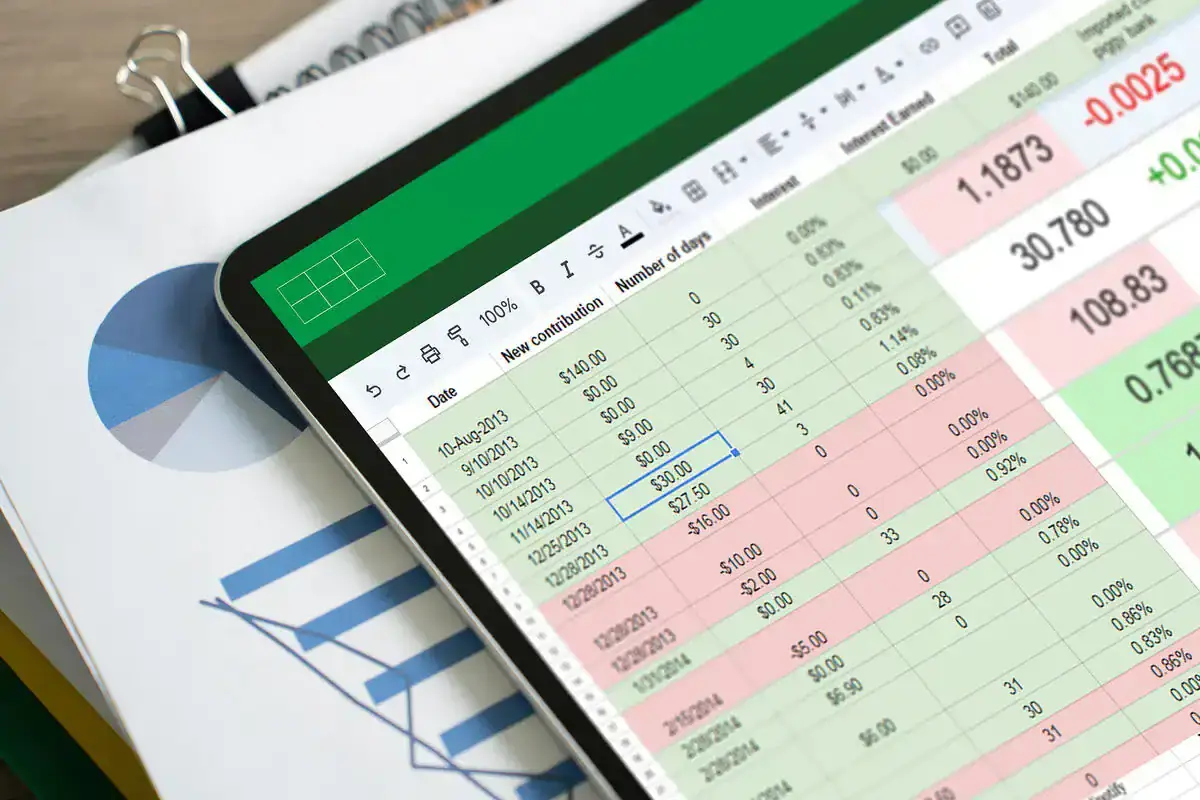
While Excel may seem like an easy, cheap solution for small businesses, it becomes a significant financial risk as the business grows. Here’s why:
-
No Real Accounting System: Excel doesn’t understand key accounting concepts like debit, credit, or balance sheets. Everything depends on your formulas and structure, which can lead to errors that go unnoticed.
-
No Audit Trail: Excel allows anyone to edit data with no record of who made changes, when, or why, making it difficult to track mistakes, fraud, or modifications.
-
Human Error: Excel assumes perfection, but errors like forgetting entries, overwriting cells, or breaking formulas are inevitable.
-
Handmade Reports: In Excel, reports like P&L or cash flow are manually created and prone to breaking or errors, leading to inaccurate business insights.
-
No Real-Time View: Excel only shows the last data entered, not live data or instant reports, meaning decisions are based on outdated numbers.
-
Team Challenges: When you have a team, Excel fails with multiple versions, lack of control, and confusion, leading to silent errors.
-
Doesn’t Scale: Excel works for small, simple businesses but falls short when dealing with complex needs like inventory, payroll, or tax reporting.
The truth is, businesses using Excel often don’t realize they’re operating on inaccurate financials, which can lead to poor decision-making.
What to Use Instead:
Switch to accounting software once your business involves regular sales, expenses, staff, inventory, or tax reporting. Accounting software ensures accuracy, control, real-time visibility, and automated reports, making it essential for business growth and survival. Excel isn’t evil, but it’s not designed for accounting, so upgrading your accounting system is crucial for the success of your business.